



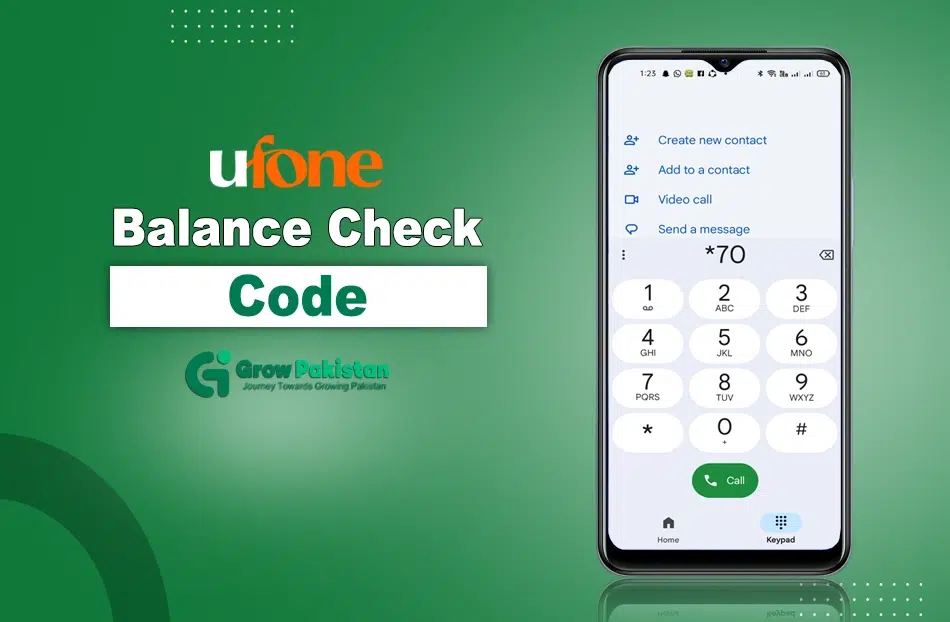
If you are a customer of Ufone in Pakistan you can check Ufone balance any time by dialing *124# on the phone.
Ufone balance check is a process for knowing how much balance you have in your mobile phone. There are many ways to check your balance in different conditions for your ease.
In this guide, I have mentioned different ways of Ufon balance check in 2025.
Ufone Balance Check SSID Code 2025
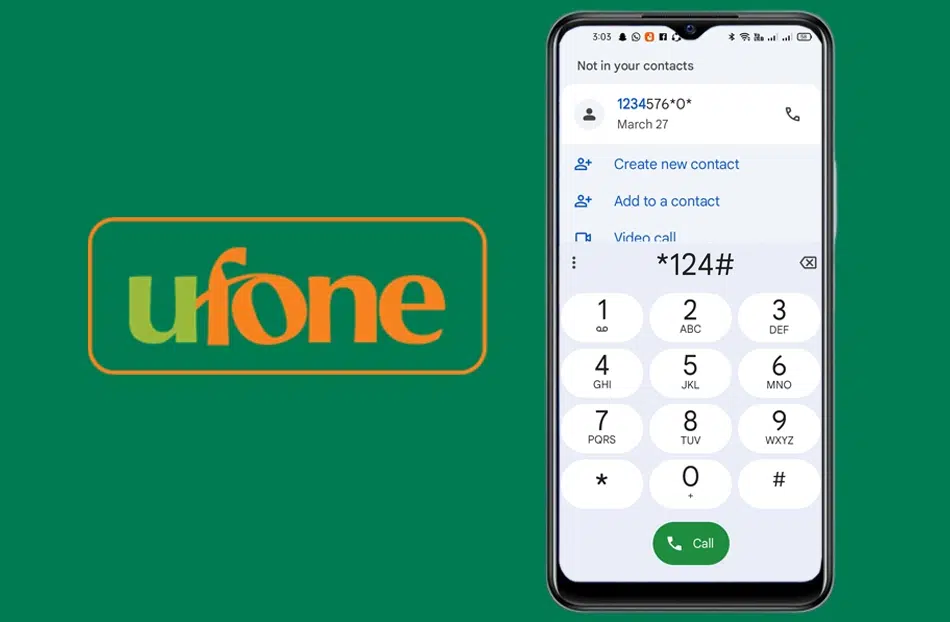
To check your balance on the Ufone SIM in 2025, dial the code *124#, and you can access all details of the balance in your phone.
This is the simple and easy way to know your balance details instantly.
Different Ufone Balance Check Methods
There are a few methods to check the balance on the Ufone network in your mobile phone.
In these modern times, when things are changing rapidly, it is important that everyone has a facility to go through a balance check.
This is an easy and simple method for balance checking and is understandable for everyone.
1. Ufone Balance Check via USSD Code
The quickest and most widely used method is dialing a USSD code.
- Code to Dial:
*124# - Response Time: 2–3 seconds
- Charges: Rs. 0.12 + tax per inquiry
- Who Can Use It: All Ufone prepaid customers
How to Use: Just open your phone dialer, type *124#, and press call. Your remaining balance will appear on the screen instantly.
2. Ufone Balance Check Method Through UPTCL App
If you have a smartphone, the UPTCL is the most efficient way to check your balance and manage your account.
App Installation Instructions:
- Android Users: Search “UPTCL” on Google Play Store
- iPhone Users: Download from the App Store
Features:
- View balance, SMS, minutes, and data
- Recharge via moible banking apps like Easypaisa, UPaisa or JazzCash
- Check usage history
- Subscribe/unsubscribe to bundles
- Manage multiple Ufone numbers
Bonus Tip: The UPTCL app is free to use and doesn’t charge for balance checks.
3. Ufone Balance Check Method Through WhatsApp
You can send a message to the number 0331-1333100 on the Ufone WhatsApp Helpline, and they will give you information about your balance.
4. Call Ufone Helpline (333)
If you’re facing issues with USSD or UPTCL app, you can call Ufone’s customer support to check balance.
- Dial:
333from your Ufone SIM - Options: Choose language> Select balance inquiry
- Charges: May vary (Rs. 0.75 + tax/call or free depending on policy)
This method is ideal if you need help with deductions or technical issues.
Ufone Balance Check Methods Compared
| Method | Best For | Cost |
|---|---|---|
| *124# USSD Code | Quick checks, basic phones | Rs. 0.12 + tax |
| UPTCL App | Smartphone users | Free |
| Call 333 | Support & troubleshooting | Varies |
| SMS to 124 | Occasional use | May vary |
| Ufone Website | Desktop users, postpaid | Free |
How Much Fee Charged at Balance Check Code
Ufone balance checking codes and methods are mostly free; in some cases, they apply charges that are very low or 0.12 + tax rupees.
Conclusion
Ufone 4G is the best telecom company in Pakistan. It is one of the reliable mobile networks in Pakistan, offering services to millions of prepaid and postpaid users.
If you are using services like phone calls, browsing the internet, sending messages, or using other services, it is important to keep reminding yourself of your remaining balance.
In 2025, it is easy to do it by yourself; just dial the simple code *124# and Ufone will show you the credit details of your number.
People Also Ask
1. What is the Ufone balance check code in 2025?
The official Ufone balance check code is *124#. Dial this from your Ufone SIM to instantly view your remaining balance.
2. Is there any charge for checking balance via 124#?
Yes, Ufone charges Rs. 0.12 + tax per balance inquiry using the USSD code.
3. Can I check my Ufone balance for free?
Yes! You can use the UPTCL App or log into the Ufone website to check your balance without any charges.
4. How do I check my Ufone balance using the UPTCL App?
Download the app from the Play Store or App Store, log in with your Ufone number, and your balance will be displayed on the home screen.
